

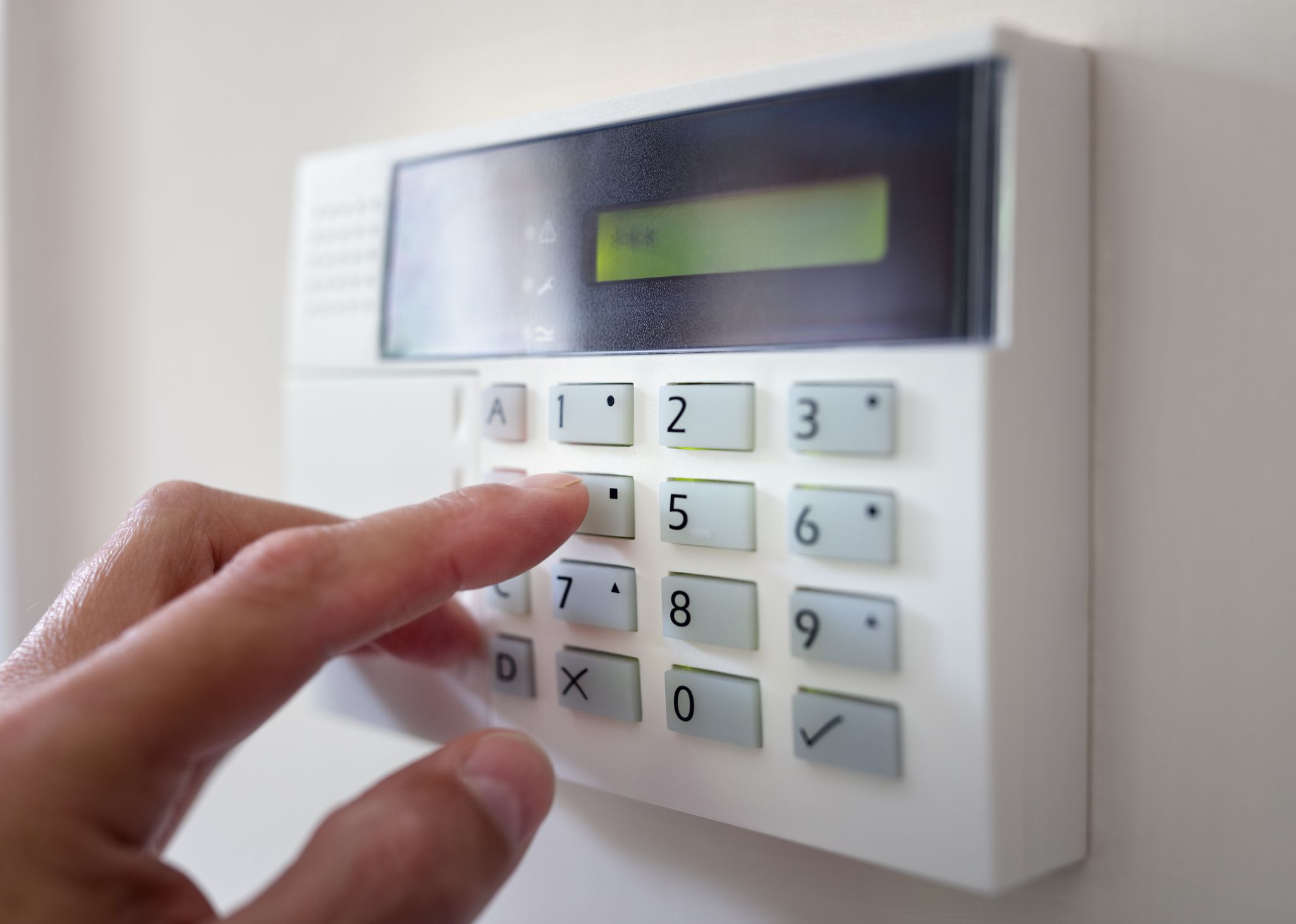
Home Security Systems; What You Need to Know-Part 2
Note: All external and internal resource links in this article have been reviewed and updated for accuracy as of 2025.
In our last post, we talked a bit about whether or not a home security system is right for you. And if it is, there are a few more decisions you’ll need to make before you take the big leap and invest in a system.
First, let’s make sure we’re all on the same page when we talk about home security systems. You may be confusing them with burglar alarms, and that’s a very common error.
A burglar alarm is simply a set of sensors on your doors and windows that will let you (and perhaps local law enforcement, if the system allows it) know when you have a security breach in your home. While this is helpful, a full home security system includes many other features that protect your home.
These can include alerts for environmental threats such as:
- fire
- carbon monoxide (CDC CO Safety Guide)
- flooding
It may also include special sensors for high-value items, home automation services, and emergency assistance technology.
Determine Your Budget
The first thing you need to do is determine your budget. Compare pricing for multiple packages with at least three reputable providers in your area.
Home security system costs vary widely, so always compare systems with the same features. The Consumer Reports Home Security Guide is a great place to begin.
Most companies will customize your system to your needs. While customization may increase the upfront cost, you may save money long-term by avoiding unnecessary bundled features.
Optional Services to Consider
Asset Protection Devices
These protect valuable items such as jewelry, art, collectibles, and electronics. They work well for homeowners who allow housekeepers, babysitters, or service workers inside the home.
Personal Safety Devices
These include medical alert pendants or bracelets that notify emergency responders 24/7. Learn more from: Medical Alert System Guide.
Home Automation
Smart-home technology allows you to control your lights, door locks, thermostat, garage door, and integrated devices like Alexa or Google Home from anywhere.
Choosing Your Monitoring Type
Monitoring is what separates burglar alarms from full home security systems. With monitoring, alarms are transmitted to a customer care center which dispatches help when needed.
Landline Monitoring — Least expensive and basic. Ideal for rural areas with poor cellular coverage.
Broadband Monitoring — Uses your internet connection. Supports home automation but stops working if your internet goes down.
Cellular Monitoring — The most advanced, fastest, and most reliable. Often considered the gold standard. Learn more: SafeWise Home Security Guide.
You can also back up broadband systems with landline service or upgrade to cellular for added reliability.
Power Backup & Solar Options
Most security systems include battery backups so your system remains active during power outages. Solar-powered systems are also available and offer an eco-friendly option.
Customer Service Matters
Before choosing a provider, research its reputation. Look for companies with strong customer service, reliable equipment, and positive reviews.
Helpful resources include:
- Better Business Bureau
- Trustpilot Reviews
- Consumers Advocate
DIY vs. Professional Installation
Many systems today are easy to install yourself if you're comfortable with basic technology. Professional installation may cost extra but ensures optimal setup.
Register Your Home Security System
Some local governments require security systems to be registered with local law enforcement. Failure to register may result in fines or delayed emergency response. Check with your county or city for requirements: USA.gov Local Government Directory.
Whatever home security system you eventually choose, remember that everyone at Ernest Homes wants you and your family to always feel safe and secure.
If you have any questions we can help answer, visit our Contact Us page or browse our related safety resources in the Ernest Homes Blog.


